How to Port Your Mobile Number to Another Network in Pakistan (MNP Guide 2026)
Your mobile number is printed on your business cards, saved in hundreds of contacts, and tied to your bank accounts, WhatsApp, and OTP logins. For years, changing networks meant losing that number — which is why most people stayed with an operator they disliked simply because switching was too painful. Mobile Number Portability (MNP) ended that trade-off: in Pakistan you can move from Jazz to Zong, Telenor to Ufone, or any other combination while keeping your exact number.
This guide walks you through the complete MNP process in 2026 — what PTA's rules require, the exact steps starting with the SMS to 667, how long porting takes, what happens to your balance and bundles, and how to avoid the mistakes that get porting requests rejected. Whether you are chasing cheaper packages, better 4G coverage, or a network whose helpline actually picks up, here is everything you need to switch without losing your number.
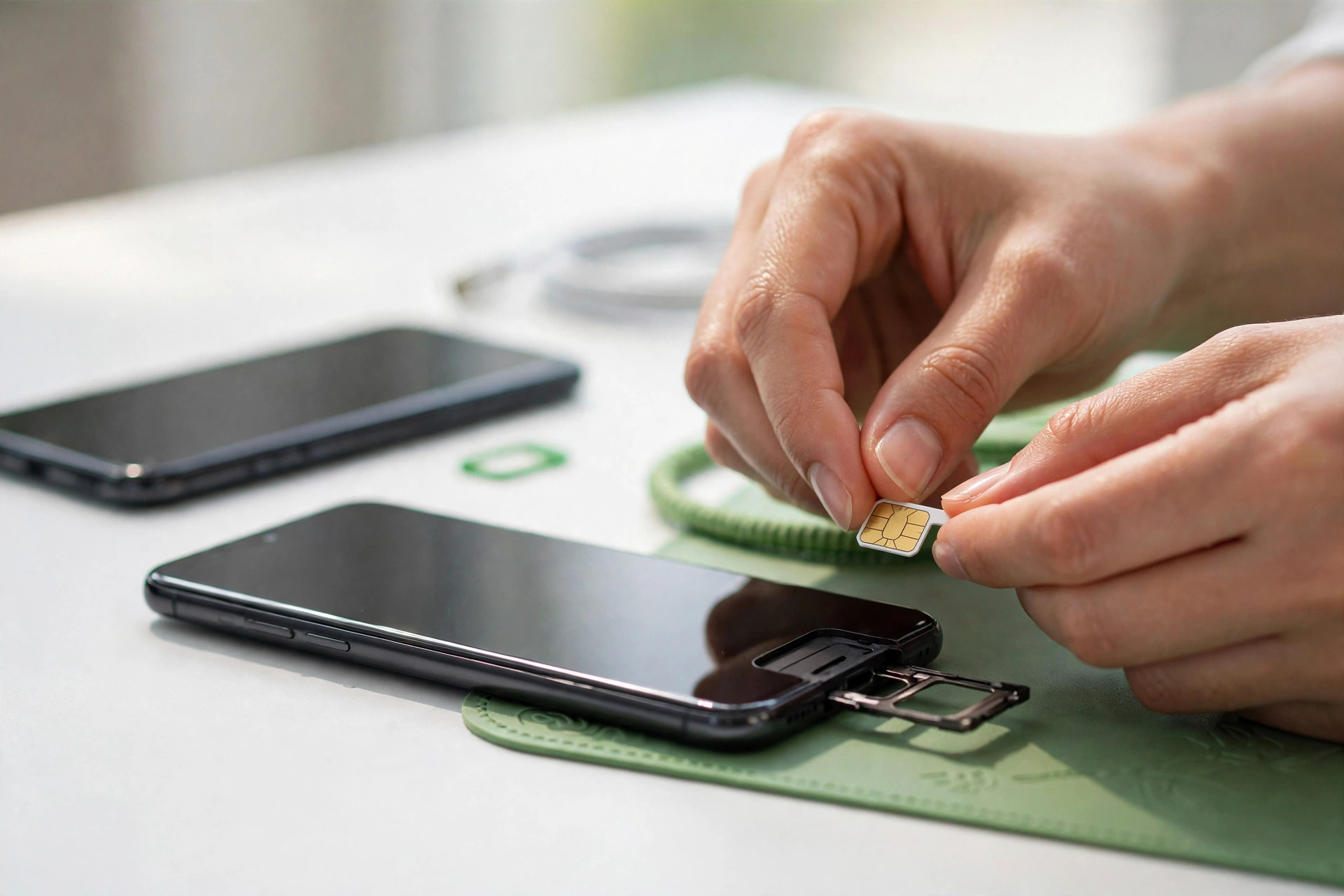
What Is Mobile Number Portability (MNP)?
Mobile Number Portability is a PTA-regulated facility that lets a mobile subscriber change their service provider while keeping the same mobile number. Pakistan introduced MNP back in 2007, and the process today runs through a central MNP database that all four operators — Jazz, Zong, Ufone and Telenor — are connected to.
Two roles matter in every port. Your donor network is the operator you are leaving; your recipient network is the one you are joining. The recipient issues you a brand-new SIM card, but once the port completes, that SIM carries your old number. Nobody calling or texting you will notice anything changed — only your bills, bundles and coverage will.
Porting is one of the few genuinely consumer-friendly parts of Pakistan's telecom market: operators compete for port-in customers with free SIMs, bonus bundles and welcome offers, because every ported number is a subscriber taken directly from a rival.
How the Porting Process Works (Overview)
The whole process has five moving parts:
- You give consent by sending an SMS with the text MNP to 667 from the number you want to port.
- You visit the recipient network's franchise with your original CNIC, complete biometric verification, and fill in the MNP (port-in) form. They hand you a new SIM on the spot.
- The recipient submits your porting request to the central MNP database, which routes it to your donor network for verification.
- The donor verifies that the number is yours, active, and clear of dues — then releases it. PTA's standard timeline for this is about 4 working days.
- Cutover: your old SIM deactivates and your new SIM activates with your same number. You get a confirmation, and the port is done.
The key comfort: your old SIM keeps working normally through the entire waiting period. Service only switches to the new SIM at the cutover moment, so you are never without a working phone in between.
Requirements: What You Need Before You Port
Get these sorted before you walk into a franchise, and your port will go through on the first try:
- The number must be in your name. The SIM has to be biometrically registered against your own CNIC — a name mismatch is the single most common reason ports get rejected. Not sure? Check the SIMs registered on your CNIC first. If the number is in someone else's name, complete a SIM ownership transfer before attempting to port.
- Your original CNIC. A photocopy will not do — the franchise needs the original for biometric verification.
- Postpaid users: clear all dues. Any outstanding bill with your donor network blocks the port until it is paid. Keep the final-bill receipt.
- Use up prepaid balance and bundles. Balance, free minutes, SMS and MBs do not transfer — they die with the old SIM. Port with a near-zero balance and expired bundles.
- Copy contacts off the old SIM card. Anything stored on the SIM itself (rather than the phone or Google account) should be moved before cutover.
- Time it sensibly. With a ~4-working-day window, don't start the process the day before a trip, an exam, or any event where you depend on OTPs.
Step-by-Step: How to Port Your Mobile Number
- Send the consent SMS. From the number you want to port, text MNP to 667. You will receive a reply confirming your porting intent is registered. This step is mandatory — franchises will not start a port without it.
- Go to the recipient network's franchise. Visit a full franchise or service center of the network you are joining — not a small roadside retailer, because porting requires proper biometric verification equipment. Bring your original CNIC.
- Complete biometric verification. Place your thumb on the biometric device so the franchise can match you against NADRA records, then fill in the MNP/port-in form with your number and CNIC details.
- Collect your new SIM. The franchise issues a fresh SIM for the recipient network right away. Keep your old SIM in your phone — the new one will not work until cutover.
- Wait out the porting window. The recipient submits the request; your donor network verifies and releases the number. Standard timeline: about 4 working days. Use your old SIM normally during this time.
- Watch for cutover. When the port completes, your old SIM loses signal and the new SIM comes alive with your same number. You will typically receive a confirmation SMS on the new SIM.
- Test everything. Make a call, send an SMS, and switch on mobile data. If data doesn't work, check that the new network's APN settings are configured — see our guides for Jazz and Zong APN setup.
What Happens to Your Balance, Packages and Services
The number moves; almost everything else stays behind:
- Prepaid balance: does not transfer. Gone with the old SIM.
- Active bundles: weekly/monthly packages, hybrid bundles and free resources expire at cutover. Subscribe fresh on the new network instead.
- Postpaid accounts: the donor network issues a final bill for usage up to cutover. Pay it — unpaid dues can cause problems if you ever port again.
- Bank SMS alerts, OTPs and WhatsApp: these are tied to your number, not your operator, so they keep working once the new SIM is active. WhatsApp may ask you to re-verify the number on the new SIM — just enter the code it sends.
- Mobile wallets: JazzCash, Easypaisa and similar accounts are linked to your number and CNIC, so they survive the port. Do not close or deregister anything before cutover.
- Operator-specific perks: loyalty discounts, donor-network app rewards and similar extras end with the old SIM.
MNP Rules and Why Porting Requests Get Rejected
PTA's porting rules are straightforward, and almost every rejection traces back to one of these:
- Name/CNIC mismatch: the number is not biometrically registered in the applicant's name. Fix it with an ownership transfer first.
- Unpaid postpaid dues: the donor network will not release the number until the account is clear.
- Disconnected or dead numbers: you cannot port a number that is already permanently disconnected.
- Failed biometric verification at the recipient franchise — worn fingerprints are a real issue; franchises can retry or guide you on alternatives.
- An active porting request already in progress for the same number — wait for the current one to finish or be cancelled before starting another.
- Minimum-stay rules: operators apply a minimum period a number must stay on a network before it can be ported again. If you ported recently, ask the franchise whether you are eligible yet.
If your request is rejected, the franchise can usually tell you the exact reason code from the MNP system — ask for it specifically instead of accepting a vague "try again later."
Choosing the Right Network to Port To
Porting is easy; porting to the right network takes a little homework:
- Coverage first. Ask neighbours and colleagues which network holds 4G where you live and work — or borrow a friend's SIM for a day. The cheapest bundle is worthless without signal.
- Compare real bundle prices. Check our current package guides for Jazz, Zong, Telenor and Ufone — match the bundle to your actual usage (data-heavy, call-heavy, or WhatsApp-only) instead of the headline price.
- Look at port-in offers. Recipient networks regularly run promotions for incoming porters — free SIMs, bonus data, discounted bundles for the first months. Ask the franchise what is live before you sign the form.
- Weigh helpline and app quality. You will deal with this operator for everything from now on; a working app and a reachable helpline matter more than a small price difference.
- Keep the old SIM until cutover. This is worth repeating: never discard or damage the old SIM during the 4-day window. If anything goes wrong, it is your lifeline back.
Frequently Asked Questions
How long does it take to port a mobile number in Pakistan?
PTA's standard porting timeline is about 4 working days from the day your porting request is submitted by the new (recipient) operator. Your old SIM keeps working during this window, and the new SIM activates once the port completes.
Is porting my number to another network free?
Most operators process number porting free of charge as a port-in promotion, though some franchises may charge a nominal fee for the new SIM card itself. Ask the recipient franchise about the current offer before you start — the MNP request itself carries no PTA fee.
Will I lose my prepaid balance when I port?
Yes. Prepaid balance, active bundles, free minutes, SMS and MBs do not transfer to the new network — they expire with your old SIM. Use up your balance and let bundles run out before you start the porting process.
Can I port a number that is not registered in my name?
No. The number must be biometrically registered against your own CNIC for the port to be approved — a name mismatch is the most common reason porting requests get rejected. Complete a SIM ownership transfer first if the number is in someone else's name.
Will my number stop working during the porting process?
Your old SIM keeps working normally during the 4-working-day porting window. Service only shifts to the new SIM at the moment the port completes, when the old SIM deactivates and the new one activates with your same number.
Do WhatsApp and bank OTPs keep working after I port?
Yes, because WhatsApp, bank SMS alerts and OTP logins are tied to your phone number, not your operator. Once the new SIM is active, they work as before. WhatsApp may ask you to re-verify the number on the new SIM — just enter the code it sends you.