How to Check SIMs Registered on Your CNIC in Pakistan (2026)
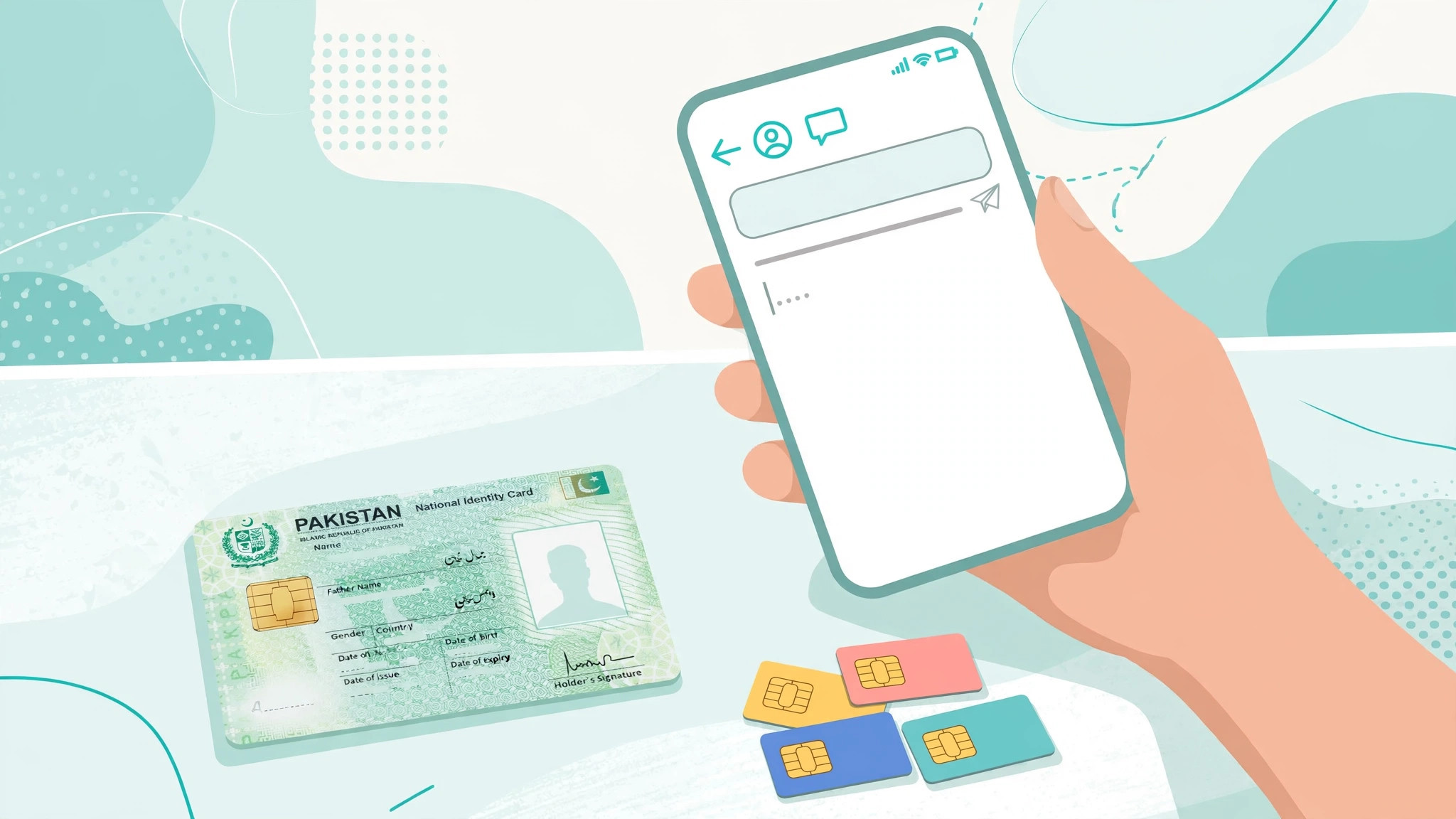
Every SIM in Pakistan is legally tied to someone's CNIC through PTA's biometric verification system. The problem is that SIMs are sometimes issued fraudulently using copied or stolen identity documents — and the victim only discovers it when something goes wrong. A SIM registered in your name that you never bought can be used for scams, spam, or worse, and the legal trail points back to you. That is why PTA itself recommends that every CNIC holder periodically check how many SIMs are registered against their identity.
This guide shows you every official way to check the SIMs registered on your CNIC in 2026 — the quick SMS to 668 method, the PTA SIM Information System website, and operator-level checks — plus what to do if the numbers don't add up. It works for Jazz, Zong, Ufone, and Telenor users.
Why You Should Check Your CNIC's SIM Record
SIM fraud is one of the most common identity-theft vectors in Pakistan. Here is how unauthorized SIMs end up on your CNIC:
- Shopkeeper misuse: when you bought a SIM years ago, the retailer verified your thumbprint — and in rare cases, issued additional SIMs on the same verification.
- Stolen or copied CNIC data: a photocopy of your CNIC left at a photocopy shop or submitted to an office can be enough for a dishonest agent to run a registration.
- Family and staff SIMs: a SIM you got for a relative, a driver, or a domestic worker may be registered against your CNIC and never closed.
Unknown SIMs on your record can block you from getting new SIMs (because of PTA's per-CNIC cap), and in serious cases they can implicate you in misuse you had nothing to do with. A two-minute check once or twice a year is cheap insurance.
Method 1: SMS Your CNIC to 668 (Fastest)
This is the simplest method and works on all four operators:
- Open the SMS app on your phone.
- Type your 13-digit CNIC number without dashes or spaces (for example: 3520212345678).
- Send it as a text message to 668.
- You will receive a reply listing the number of SIMs registered against your CNIC, broken down per operator — Jazz, Zong, Ufone, and Telenor.
Important details to get right:
- Send from any active mobile number — it does not have to be one of your own SIMs.
- Write the CNIC without dashes (3520212345678, not 35202-1234567-8).
- Double-check the digits before sending — a single wrong digit returns someone else's count or an error.
If you don't get a reply within a few minutes, check your network signal and retry. Persistent failures are rare and usually resolve on their own.
Method 2: PTA SIM Information System Website
PTA maintains a free online portal — the SIM Information System at cnic.sims.pk — where you can check your record through a browser:
- Visit cnic.sims.pk on your phone or computer.
- Enter your 13-digit CNIC number (without dashes).
- Complete the on-screen verification step (CAPTCHA).
- The portal shows the SIM count against your CNIC per operator.
The website result matches the 668 SMS result — it queries the same PTA database. Use whichever method is convenient; the SMS method is handier when you only have a phone and a weak internet connection, while the website is useful when you want to check without using a mobile SIM at all.
Method 3: Operator Apps and Helplines
The PTA methods tell you how many SIMs are on your CNIC, but not the actual numbers. If the count looks wrong, the next step is per-operator detail, which only the operator can provide:
| Operator | Helpline | App |
|---|---|---|
| Jazz / Warid | 111 | Jazz World app |
| Zong | 310 | My Zong app |
| Ufone | 333 | My Ufone app |
| Telenor | 345 | My Telenor app |
Call the helpline or visit a franchise with your original CNIC and ask which numbers are registered in your name. Operators will only share this information with the CNIC holder after verification — this protects your privacy, so don't ask a friend to check on your behalf.
How to Read Your Results
The PTA reply format is simple: a count per operator, something like Jazz: 3, Zong: 1, Ufone: 0, Telenor: 2. Here's how to interpret it:
- Count matches what you use: you're clean. Save the reply date and re-check in six months.
- Count is higher than expected: something is off — move to the franchise step below.
- Count is lower than expected: usually harmless (a recently closed SIM may take time to drop off records), but if a SIM you actively use doesn't appear, get it re-verified — it may be registered to someone else, which will cause problems later.
- Zero everywhere but you have a SIM: your SIM is registered against someone else's CNIC. Fix this with a SIM ownership transfer — you have no legal claim to that number until you do.
Found Unknown SIMs? Act Immediately
If the count reveals SIMs you didn't register, treat it as an identity-fraud incident:
- Visit the operator's franchise with your original CNIC — not a small retailer; a full franchise or service center.
- Ask the representative to list the numbers registered against your CNIC.
- Request that the unrecognized numbers be blocked immediately.
- Ask how the SIM was issued (which outlet, which date) so you can trace the source.
- If you suspect deliberate fraud, file a complaint with the FIA Cybercrime Wing (online reporting is available on the FIA website) with the details the franchise gave you.
Do not delay on this step. An unknown SIM in your name being used for fraud is a problem that gets worse with time, not better.
PTA's Limit: How Many SIMs Per CNIC?
PTA caps the number of SIMs an individual can register — historically five SIMs per operator for individual subscribers (limits for corporate and other categories differ). This is why unknown SIMs are more than a fraud risk: they eat into your quota. If you try to buy a new SIM and the retailer says you've hit your limit, a stale or fraudulent registration is the most likely cause — and the 668 check is how you find it.
Keep Your CNIC Record Clean: 5 Habits
- Check twice a year. Put it in your phone calendar: one 668 SMS in January, one in July.
- Close SIMs you stop using. A discarded SIM stays on your record until formally closed — visit the franchise to close it properly.
- Never share CNIC photocopies casually. Write the purpose and date on any photocopy you hand over ("for bank account opening, Oct 2026").
- Use franchises, not street vendors, for new SIMs — full outlets follow biometric procedure properly.
- Keep your SIM jacket. It is useful proof of purchase if a registration dispute ever arises.
Frequently Asked Questions
How do I check how many SIMs are registered on my CNIC?
Type your 13-digit CNIC number without dashes or spaces and SMS it to 668 from any mobile number. PTA's system replies with the number of SIMs registered against your CNIC, broken down by operator (Jazz, Zong, Ufone, Telenor).
Is checking SIMs on my CNIC free?
PTA does not charge for the check itself. Your mobile operator may charge a standard SMS rate for the outgoing message to 668, so confirm with your operator if you are concerned about cost.
What is the maximum number of SIMs allowed per CNIC in Pakistan?
PTA limits the number of SIMs an individual can register — historically five SIMs per operator for individuals. If you have hit the cap, you must close or transfer an existing SIM before a new one can be issued in your name.
I found a SIM on my CNIC that I do not recognize. What should I do?
Visit the relevant operator's franchise with your original CNIC immediately. Ask them to identify the number and block it if it was issued without your consent. If you suspect identity fraud, also report it to the FIA Cybercrime Wing.
Why does the count differ from the number of SIMs I actually use?
Old SIMs you discarded or closed years ago can still appear in records, and corporate or family SIMs verified with your thumbprint may be registered against your CNIC. Discrepancies are exactly why PTA recommends checking regularly.
Can I check SIMs registered on someone else's CNIC?
No. The 668 check is meant for CNIC holders to verify their own records. Using another person's CNIC number without their consent is misuse, and operators will only share account details with the registered owner.