How to Get a Duplicate SIM in Pakistan 2026: Lost or Stolen Phone? Jazz, Zong, Ufone & Telenor Reissuance Guide
Losing your phone is stressful enough — but in Pakistan, the real panic starts a minute later, when you realize your entire life is tied to that SIM: bank OTPs, JazzCash and Easypaisa, WhatsApp, your mobile number that everyone knows. The good news: you do not lose your number. Every operator in Pakistan — Jazz, Zong, Ufone and Telenor — can issue you a duplicate SIM: a fresh physical SIM with your exact same number.
This guide walks through the complete 2026 process: what to do in the first hour, the documents you need, how biometric verification works, the franchise process for each operator, fees, and what happens to your balance, bundles and mobile banking. As of October 2026, the process is the same across all four networks.
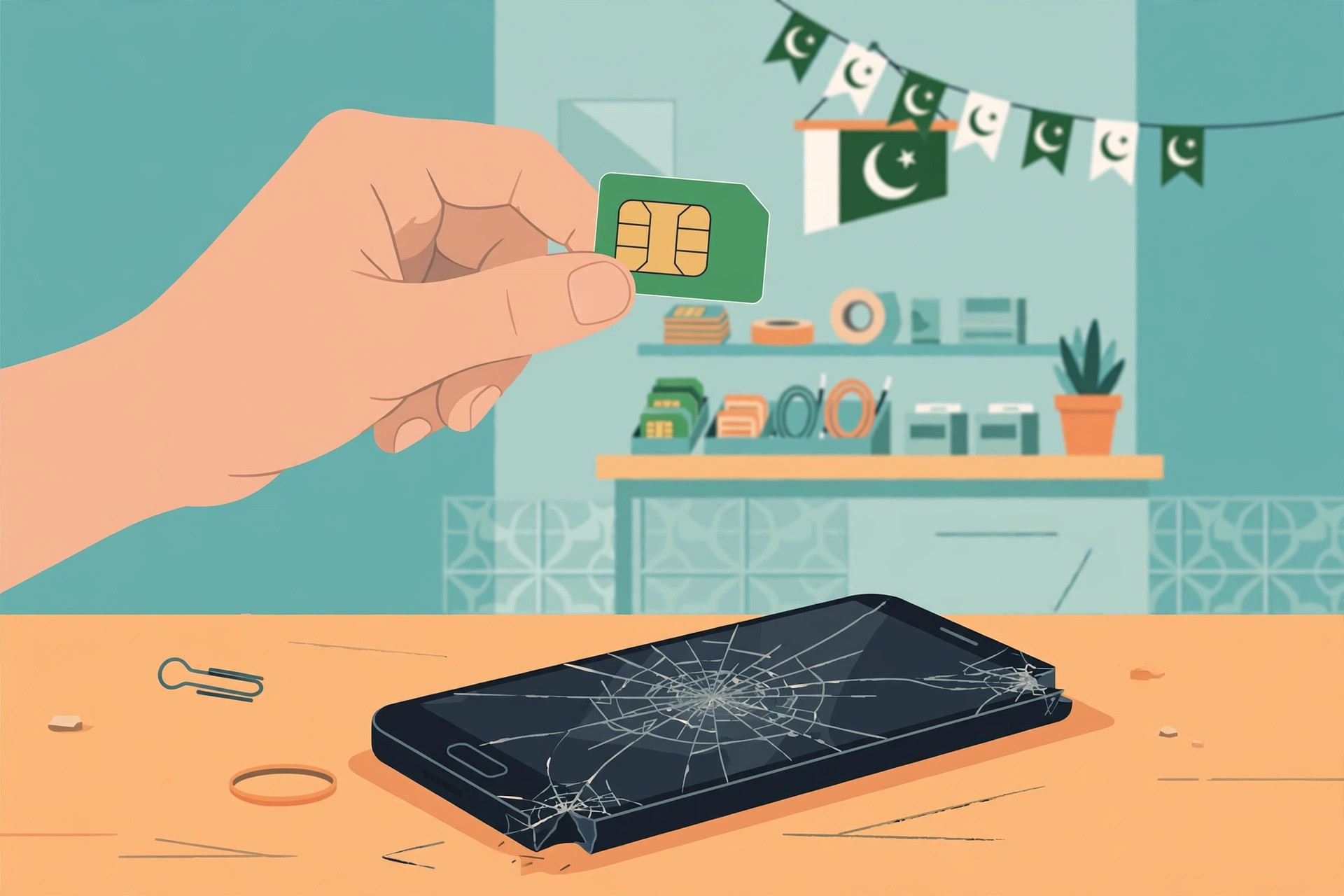
The First Hour: Block the SIM Before Anything Else
Before you worry about a replacement, block the SIM immediately. A lost phone with an active SIM is a risk: anyone who finds it can receive your calls, read incoming SMS (including bank OTPs), and use mobile banking. Every operator runs a 24-hour helpline for exactly this, and you can call from anyone's phone:
| Operator | Helpline (call to block SIM) | Notes |
|---|---|---|
| Jazz | 111 (from any Jazz number) or 0300-3008000 | Ask for SIM blocking / suspension |
| Zong | 310 | 24-hour customer service |
| Telenor | 345 | Can also report theft for a record |
| Ufone | 333 | 24-hour helpline |
When you call, have the lost mobile number ready. The agent will verify a few details (usually your name and CNIC) and suspend the SIM on the spot. Note that blocking the SIM is temporary — it just stops activity. The number remains yours, and once you get the duplicate SIM, it is reactivated. Do not skip this step even if you think the phone's screen lock is safe: SMS previews and SIM-swapping into another phone bypass a phone lock entirely.
What You Need: Original CNIC and Biometric Verification
Getting a duplicate SIM is a security process, not a simple purchase. Under PTA rules, the SIM can only be reissued to the person it is registered against, and the operator must verify you biometrically. Here is what to carry to the franchise:
- Your original, valid CNIC — a photocopy is not enough. It must be the CNIC the SIM is registered on.
- Yourself, in person — biometric verification means you must place your finger on the scanner. Nobody can do this for you, and duplicate SIMs are not issued online or delivered by courier.
- The duplicate-SIM fee — a nominal charge for the new card, quoted at the counter. It is generally a few hundred rupees and varies slightly by operator.
If your CNIC is expired, get it renewed by NADRA first — franchise staff cannot complete biometric verification against an expired CNIC. And if the SIM was registered on someone else's CNIC (a family member's, an old shopkeeper's, a former employer), only that person can request the duplicate. Many people discover this too late, which is why we also wrote a guide on checking which SIMs are registered on your CNIC — and on transferring SIM ownership to your own name. Transfer the ownership now, before an emergency forces you to hunt down the original owner.
The Franchise Process: Step by Step
Walk into any franchise, business center or customer service center of your operator — not every small retail shop can do this; you need an outlet with biometric verification equipment. The process is the same at all four operators:
- Request a duplicate SIM. Tell the agent your number and that the phone is lost or the SIM is damaged. They will first confirm whether your number is blocked or still active.
- Present your original CNIC. The agent enters your CNIC number and checks that the SIM is registered against it.
- Biometric verification. Place your thumb or finger on the scanner. Your prints are matched against NADRA records — this is the security step that prevents someone else from claiming your number.
- Pay the fee and receive the new SIM. The new SIM card is issued at the counter. The old SIM — wherever it is — is permanently deactivated.
- Activation. The new SIM usually activates within minutes; in some cases it can take a couple of hours, and occasionally up to 24 hours. Insert it and wait for the network signal before assuming something is wrong.
The whole visit typically takes 15–30 minutes if the franchise is not crowded. Go earlier in the day if you can — biometric systems and network registrations both behave better during working hours, and you will want the SIM active the same day.
Operator-by-Operator: Where to Go
The process is identical, but knowing the right outlet type and helpline for your network saves confusion:
| Operator | Where to get the duplicate SIM | Helpline |
|---|---|---|
| Jazz | Jazz franchise, business center, or experience center with biometric verification | 111 / 0300-3008000 |
| Zong | Zong service center / franchise | 310 |
| Telenor | Telenor service center / franchise | 345 |
| Ufone | Ufone service center / franchise | 333 |
Use the operator's app or website to find the nearest full-service franchise — a small recharge shop on the corner will usually tell you they cannot do it. Also note: there is no code you can dial to request a duplicate SIM. Any "duplicate SIM code" you see advertised online is a myth; the biometric visit is mandatory.
Do I Keep My Number, Balance and Bundles?
The single most common worry: do I lose my number? No. A duplicate SIM is a new card attached to your existing account — the number is identical. Here is what carries over:
- Your number: unchanged. Callers dial the same digits; WhatsApp continues once you re-verify the number on the new device.
- Your balance: carries over in full. It lives in the operator's system, not on the physical card.
- Your bundles: most active bundles carry over, though the system may take a few minutes to sync them onto the new SIM profile. If a bundle seems missing, check again after an hour — and if it is still gone, call the helpline and ask them to restore it. Operators deal with this routinely.
- Mobile banking and wallets: JazzCash, Easypaisa and bank apps re-link when the number is re-verified. You will need to log in fresh on the new phone, and some apps ask for re-registration — keep your account details handy.
- PTA and registration status: if your SIM was properly registered, nothing changes. This is also a good moment to verify your CNIC's SIM list and clear out any stray registrations.
One thing that does not carry over: anything stored on the old SIM card itself (a handful of contacts, some old SMS) is gone with the card. That data is not synced by the operator.
Damaged or Old SIM? Same Process
Duplicate SIMs are not only for lost phones. If your SIM is physically damaged (bent contacts, snapped card), if it is an ancient full-size SIM you want swapped to nano size for a new phone, or if your number mysteriously stopped connecting, the process is the same: original CNIC, biometric visit, new card, same number. For a simple size swap on a working SIM, some franchises will handle it even faster since verification is trivial — but the biometric step still applies.
Security Tips After Getting Your Duplicate SIM
- Change your passwords. If the lost phone was unlocked or had a weak lock, treat email, banking apps and social accounts as exposed. Reset passwords from a trusted device and turn on two-factor authentication.
- Watch your balance and statements for the next few weeks for any unusual activity — calls, data sessions or wallet transactions you did not make.
- Re-verify WhatsApp. When you install WhatsApp on the new phone, you will get a fresh 6-digit verification code by SMS. Never share this code with anyone — real operators and banks never ask for it.
- Register the new phone's IMEI with PTA if you bought it abroad or it is not compliant — check status by sending the IMEI to 8484 or dialing *8484#. A non-compliant device gets blocked regardless of the SIM, so confirm compliance as described in our PTA IMEI check guide.
- Consider SIM blocking as a habit. If your phone is ever stolen, block the SIM before you do anything else — even before filing a police report. The helpline call takes five minutes; identity theft takes months to fix.
Frequently Asked Questions
What should I do first when my phone is lost or stolen in Pakistan?
Block the SIM immediately by calling your operator's helpline (Jazz 111, Zong 310, Telenor 345, Ufone 333) from another phone. Blocking stops calls, SMS and mobile banking access on the lost device. Then visit the operator's franchise or service center with your original CNIC to get a duplicate SIM with the same number.
What documents are needed for a duplicate SIM in Pakistan?
You need your original, valid CNIC — the SIM can only be reissued to the person it is registered against. The franchise performs biometric verification on your CNIC record. No other documents are required in standard cases; the fee is a nominal duplicate-SIM charge quoted at the counter.
Does a duplicate SIM keep my old number, balance and bundles?
Yes, the number stays the same — a duplicate SIM is a new card for your existing account. Your balance carries over. Most active bundles also carry over, though the operator's system may need a few minutes to sync them; if a bundle disappears, the helpline can restore it.
How long does it take to get a duplicate SIM?
At a franchise or service center it usually takes 15–30 minutes including biometric verification, and the new SIM typically activates within minutes to a couple of hours. Activation can occasionally take up to 24 hours.
Can someone else collect a duplicate SIM on my behalf?
No. Because of biometric verification, the registered owner must appear in person at the franchise. Duplicate SIMs are not issued online or by courier for security reasons.
What if the SIM was registered on someone else's CNIC?
Only the CNIC holder the SIM is registered against can get a duplicate. You must take that person to the franchise with their original CNIC — or formally transfer ownership to your own CNIC, after which you can request duplicates yourself.