How to Check Your Own Mobile Number in Pakistan 2026
Everyone forgets their own mobile number at some point — a new SIM you bought yesterday, a second SIM you barely use, or the backup SIM in the drawer. Every operator in Pakistan gives you a free USSD code that displays your own number on the screen in seconds. This guide lists the working self-number codes for Jazz, Zong, Telenor, and Ufone in 2026, plus free fallbacks for when the code doesn't cooperate.
All four codes work with zero balance and no internet — they are network service queries, not paid services. The only requirements are an active SIM and a signal.
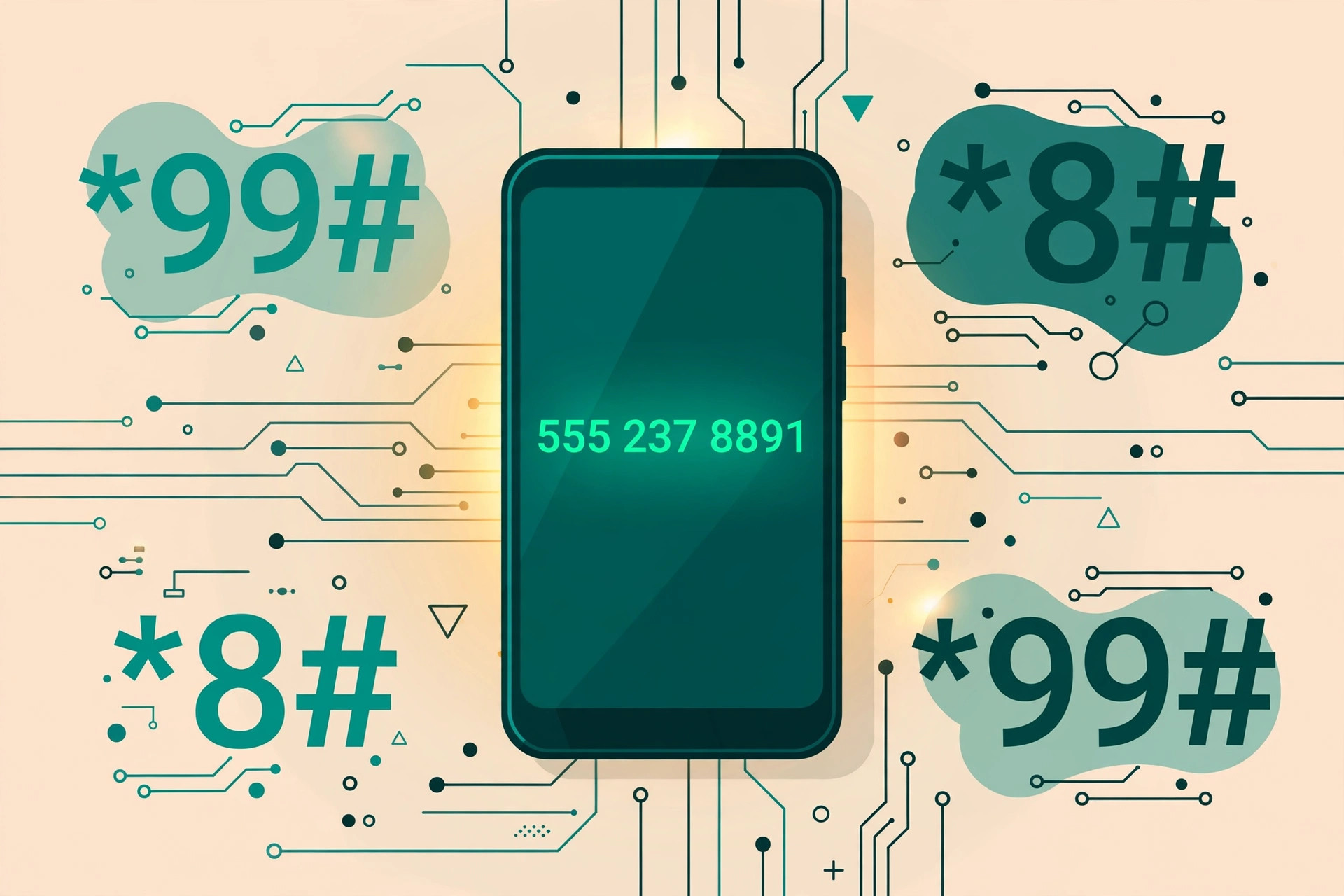
The Quick Answer
In a hurry? Dial the code for your network and press call:
| Network | Self-number code | Alternate |
|---|---|---|
| Jazz / Warid | *99# | — |
| Zong | *8# | *2# |
| Telenor | *8888# | — |
| Ufone | *780*3# | *1# |
Your number appears as an on-screen pop-up — typically shown with the 92 country code prefix (for example, 923xx-xxxxxxx) or in local 03xx format. Codes change rarely, but operators do retire them; if your usual code fails, the operator's app is the authoritative backup (see below).
Jazz: Dial *99#
Jazz (including old Mobilink and Warid SIMs, which are all on the same network now) uses the simplest code of the four:
- Open your phone's dial pad.
- Type *99# and press the call button.
- Your 11-digit Jazz number appears on the screen within a few seconds.
The inquiry is free, works on prepaid and postpaid, and works from any phone — smartphone or old feature phone. If *99# returns an error, open the Jazz World (SIMOSA) app: your number is shown on the home screen once you are logged in.
Zong: Dial *8#
Zong's self-number code is one character shorter:
- Open the dial pad.
- Type *8# and press call.
- Your Zong number shows up as an on-screen message.
On some older Zong SIMs, *2# serves as an alternate that does the same job. The My Zong app also displays your number on its dashboard, and because the app logs in by SIM, it always shows the right one even on dual-SIM phones.
Telenor: Dial *8888#
Telenor's code is the longest of the four, which is exactly why it is the one people keep forgetting:
- Open the dial pad.
- Type *8888# and press call.
- Your Telenor number is displayed free of charge.
Remember it as "four eights". If the USSD response fails, the My Telenor app shows your registered number after login, and Telenor's helpline 345 can confirm it after the usual identity questions.
Ufone: Dial *780*3#
Ufone's primary code has an extra segment:
- Open the dial pad.
- Type *780*3# and press call.
- Your Ufone number appears instantly.
A widely cited alternate is *1#, which returns the same result on most Ufone SIMs. The My Ufone app also lists your number, and helpline 333 can help if both codes fail. (Note: Telenor Pakistan has merged into the PTML group alongside Ufone, so expect support channels and some codes to gradually align between the two — the codes above are current as of 2026.)
No Balance? These Methods Still Work
Because self-number codes are network service queries, they run with zero balance — but if you are troubleshooting a truly dead-feeling SIM, these backups need nothing either:
- Call or text someone nearby: the simplest method of all — ring a family member's phone and read the number off their caller ID.
- Operator apps: Jazz World, My Zong, My Telenor, and My Ufone all show your number on the home screen once logged in. Login is usually one-tap via the SIM itself.
- Check the SIM packaging: if you still have the SIM jacket or the card the SIM popped out of, your number is printed on it.
- WhatsApp profile: if WhatsApp is registered on the SIM, tap your profile picture → your number is listed there. (Caveat: it shows the number WhatsApp was registered with, which may be stale if the SIM changed.)
- Helplines: Jazz 111, Zong 310, Telenor 345, Ufone 333 — they will confirm your number after verification questions.
Find Your Number in Phone Settings
Both major platforms read the number stored on the SIM and show it in settings:
- Android: Settings → About phone → SIM status (on some phones: Settings → Network & internet → SIMs → tap the SIM).
- iPhone: Settings → Phone → My Number.
One honest warning: this field is only as good as what is written on the SIM. On older SIMs, recycled numbers, or SIMs that changed owners, it often shows "Unknown" — or worse, a previous owner's number. The operator's USSD code queries the network live and is always authoritative; phone settings are a convenience copy.
Dual SIM: Match the Number to the Right SIM
The most common own-number confusion is dual-SIM: you dial the code and cannot tell which SIM answered. Two fixes:
- Temporarily disable one SIM: Settings → SIM cards (or Network & internet → SIMs) → toggle one off, run the code, then re-enable. Five seconds of work, zero ambiguity.
- Set the calling SIM explicitly: when you press call on a USSD code, most Android phones ask which SIM to use — pick SIM 1, note the result, then repeat for SIM 2.
On iPhones with eSIM + physical SIM, the USSD request goes through the line set as the default voice line — check Settings → Cellular → Default Voice Line if the result surprises you.
When the SIM Isn't in Your Name
The number-check codes work regardless of whose CNIC the SIM is registered under — they only read the SIM itself, so a borrowed or family SIM answers just fine. But registered-ownership questions are a different matter: helplines and franchises will only discuss biometric status, ownership, or account changes with the registered owner. If the SIM is yours in practice but someone else's name in the system, the fix is a formal ownership transfer — see our guide on how to transfer SIM ownership in Pakistan.
Troubleshooting: When the Code Doesn't Work
- "Connection problem or invalid MMI code": almost always a signal or SIM-seating issue. Toggle airplane mode on and off, wait for full signal bars, and retry. On dual-SIM phones, make sure the code is being sent from the right SIM.
- Code works but shows a wrong number: rare, but possible on recycled numbers. Trust the operator app or helpline over the USSD pop-up, and get the SIM re-registered at a franchise.
- SIM not recognized at all: if the phone says "No SIM" or "Emergency calls only", no code will work — clean the SIM, reseat it, or test it in another phone before assuming it is dead.
- Recently ported numbers (MNP): after porting your number to another network, the old operator's code stops working and the new operator's code answers — which is correct, since the number now lives on the new network.
- Codes change over time: operators occasionally retire USSD codes. If a code that worked last year fails now, the operator's app and the alternates listed above are your next step — and we update this guide when codes change.
Frequently Asked Questions
What is the code to check my own number on Jazz?
Dial *99# from your Jazz SIM and press call. Your 11-digit number appears on the screen within seconds, and the inquiry is free.
How do I find my own number on Zong?
Dial *8# from the Zong SIM. Your number is displayed immediately; *2# works as an alternate on most Zong SIMs.
What is the Telenor number check code?
Dial *8888# from your Telenor SIM and your number shows on screen free of charge.
How can I check my Ufone number?
Dial *780*3# from your Ufone SIM. *1# is a commonly cited alternate that also returns your number.
Do these number check codes work without balance?
Yes. Self-number USSD codes are treated as service queries and work even with zero balance and no internet, as long as the SIM is active and has signal.
Can I see my number in my phone's settings?
On Android, go to Settings → About phone → SIM status; on iPhone, Settings → Phone → My Number. These fields are read from the SIM, so on older or transferred SIMs they can show "Unknown" — the operator's USSD code is the authoritative answer.
What if I have two SIMs and don't know which is which?
Temporarily disable one SIM in Settings → SIM cards (or pull the other SIM out), then run the number check code. The code always answers for the SIM the phone uses for the call.
The SIM is in someone else's name — can I still check the number?
The number-check codes work regardless of whose name the SIM is registered under, since they only read the SIM itself. But for ownership issues, only the registered owner can get biometric or account details — see our SIM ownership transfer guide.